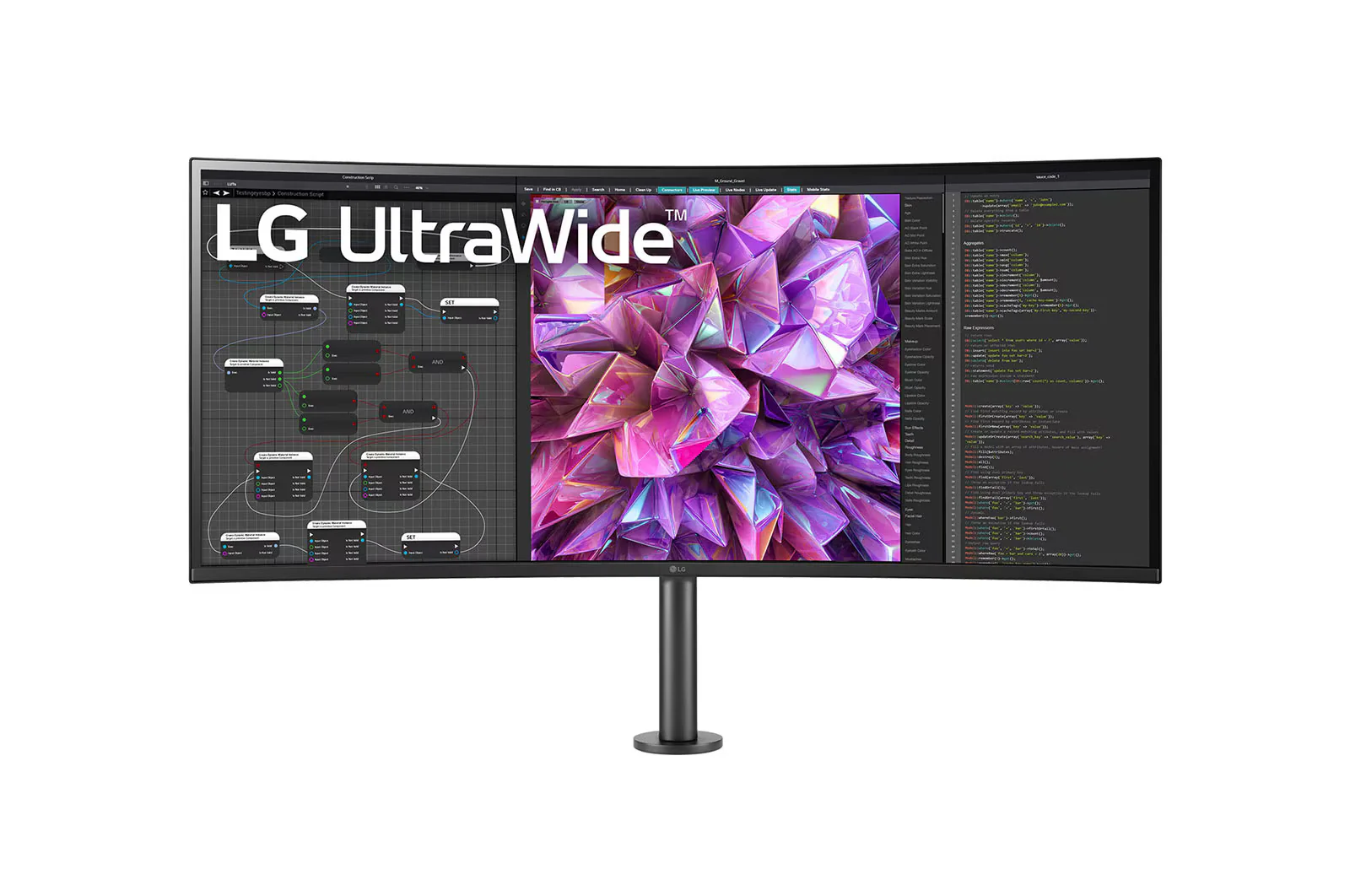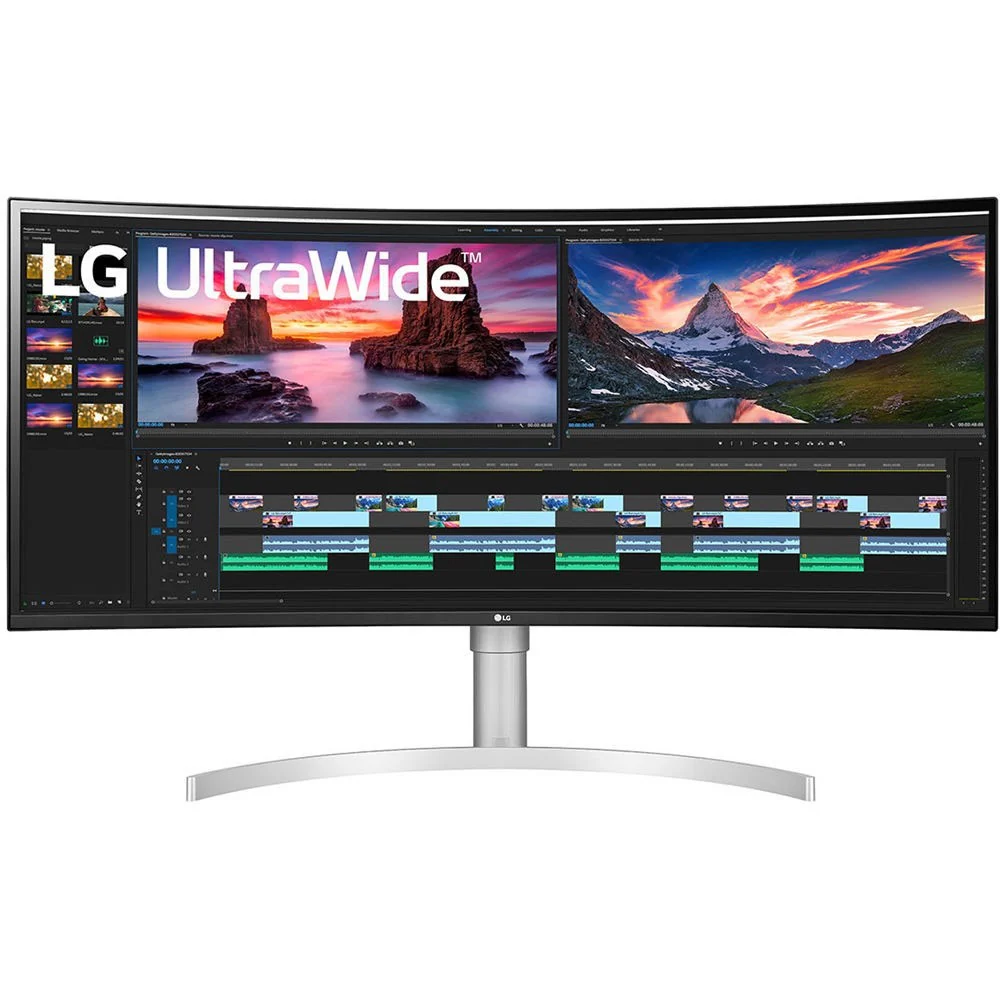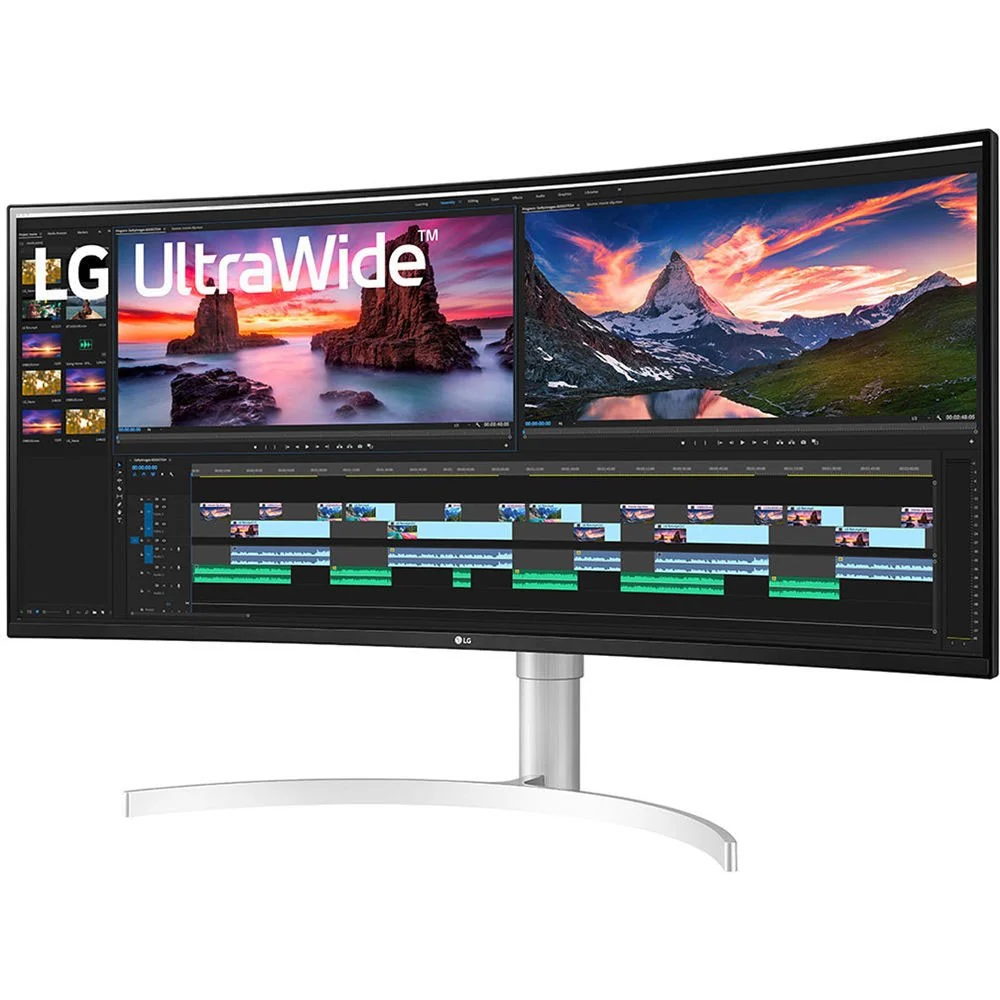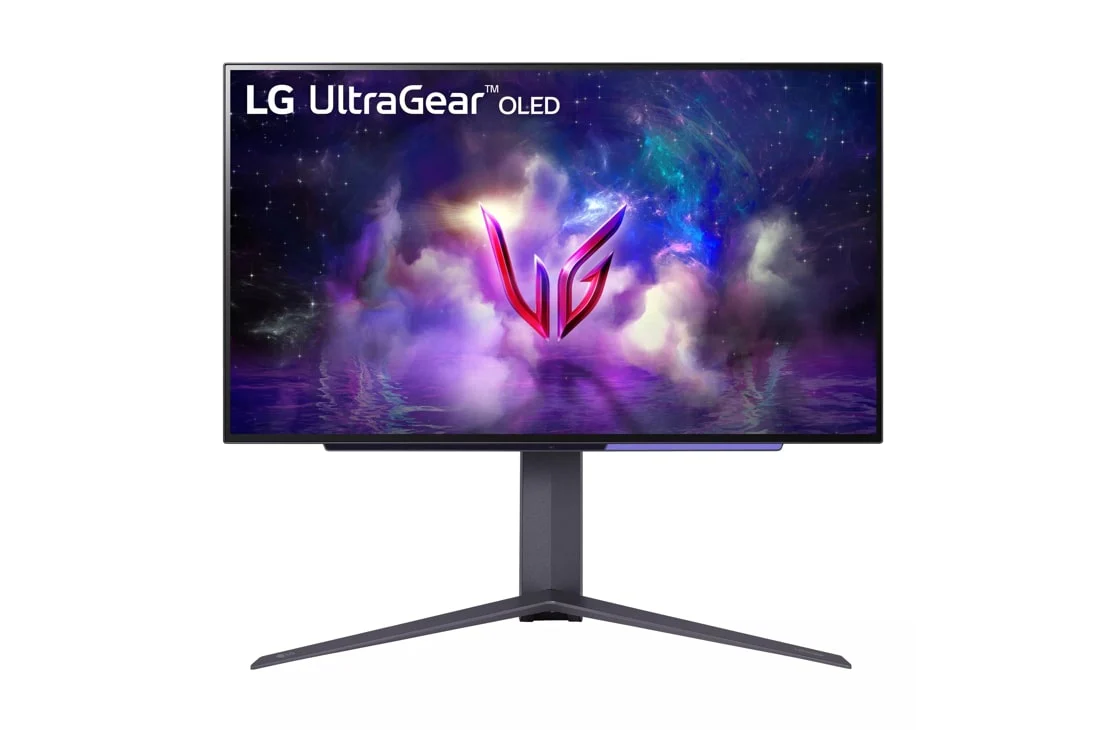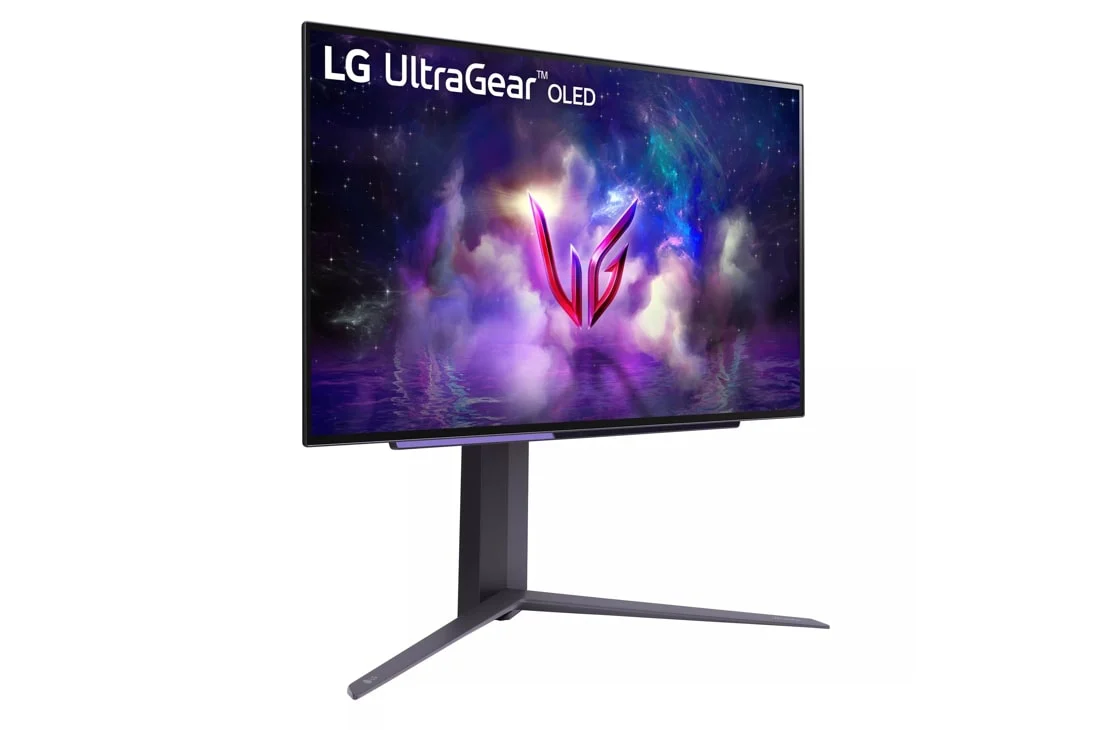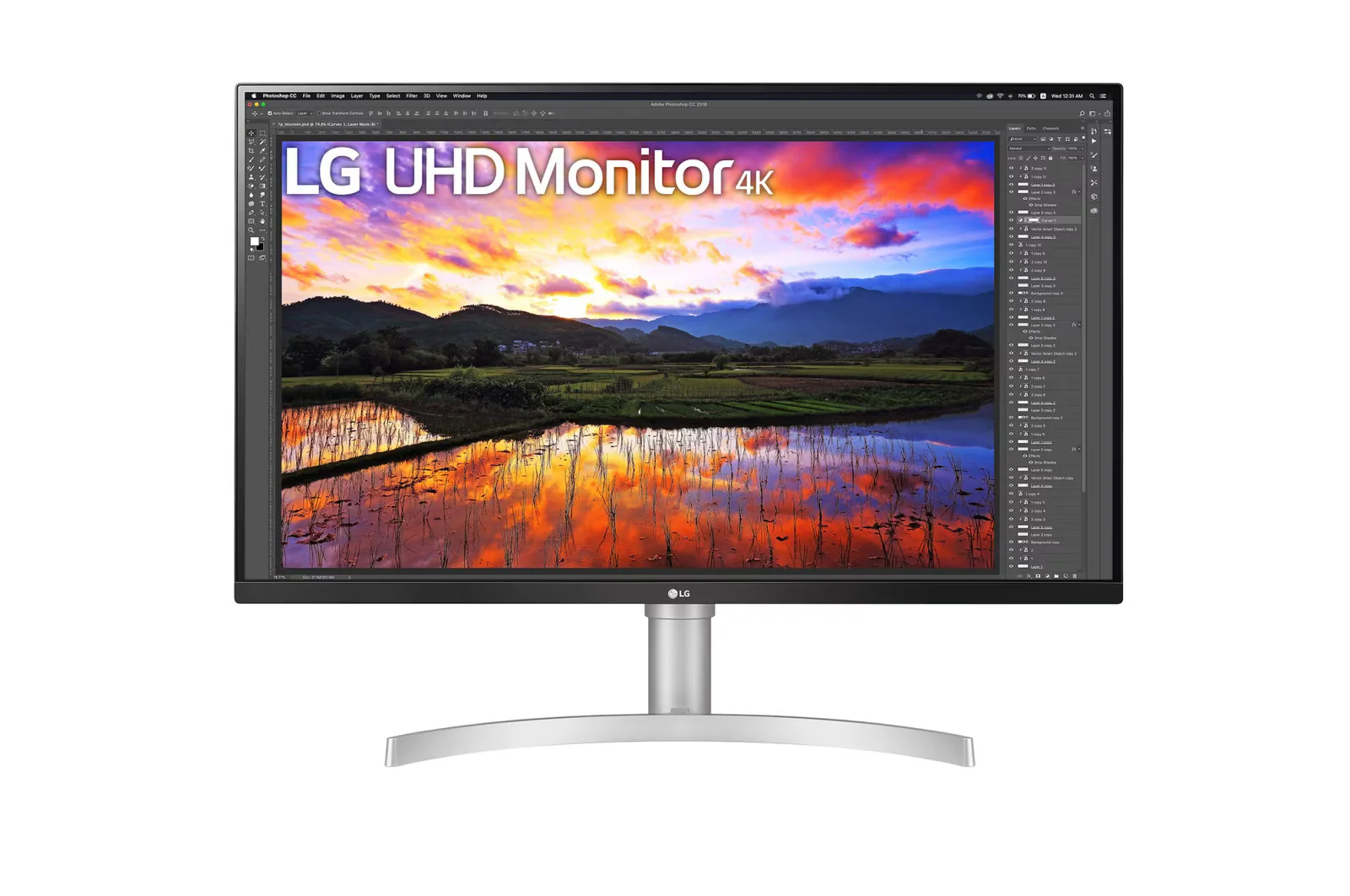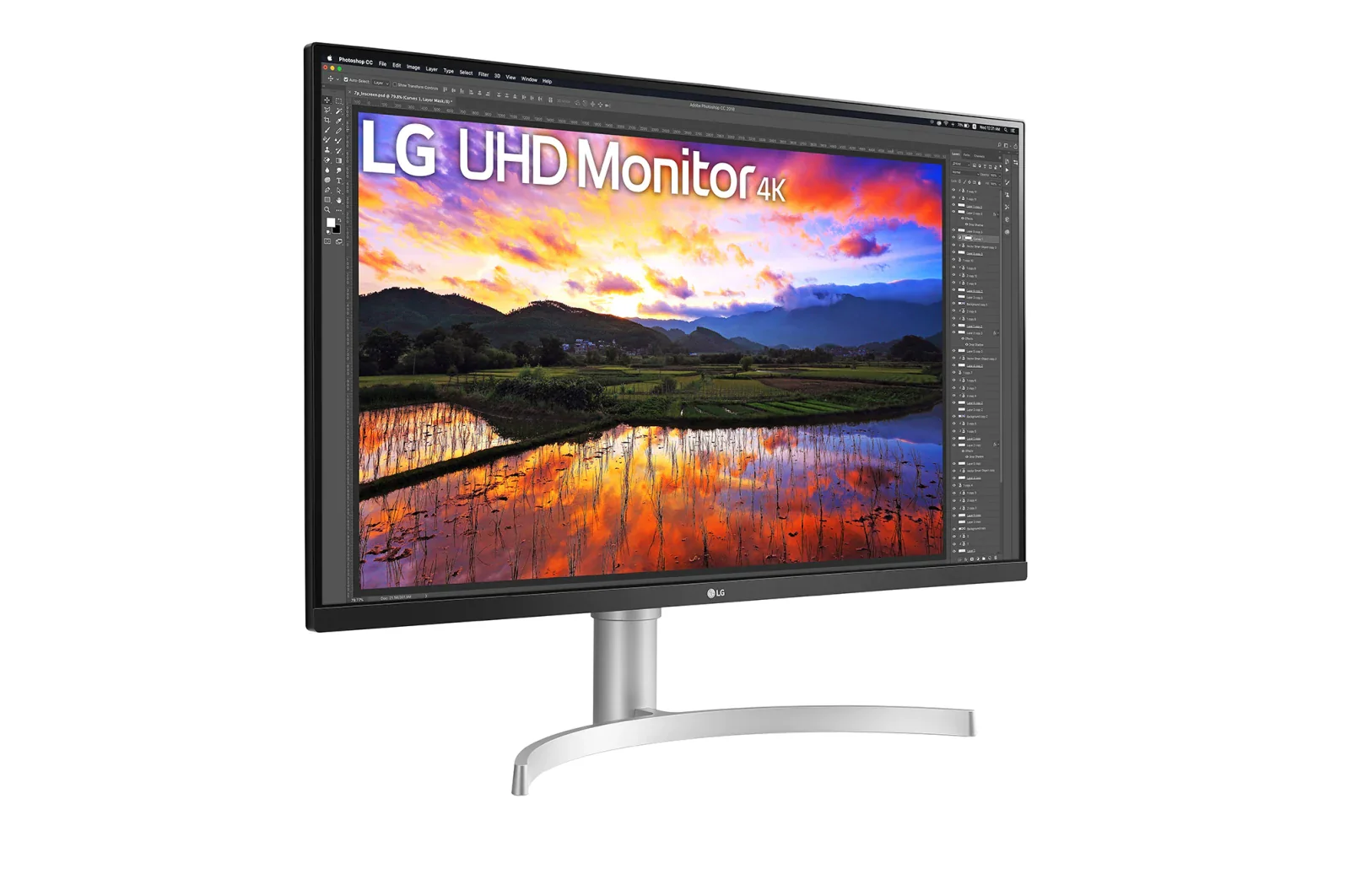
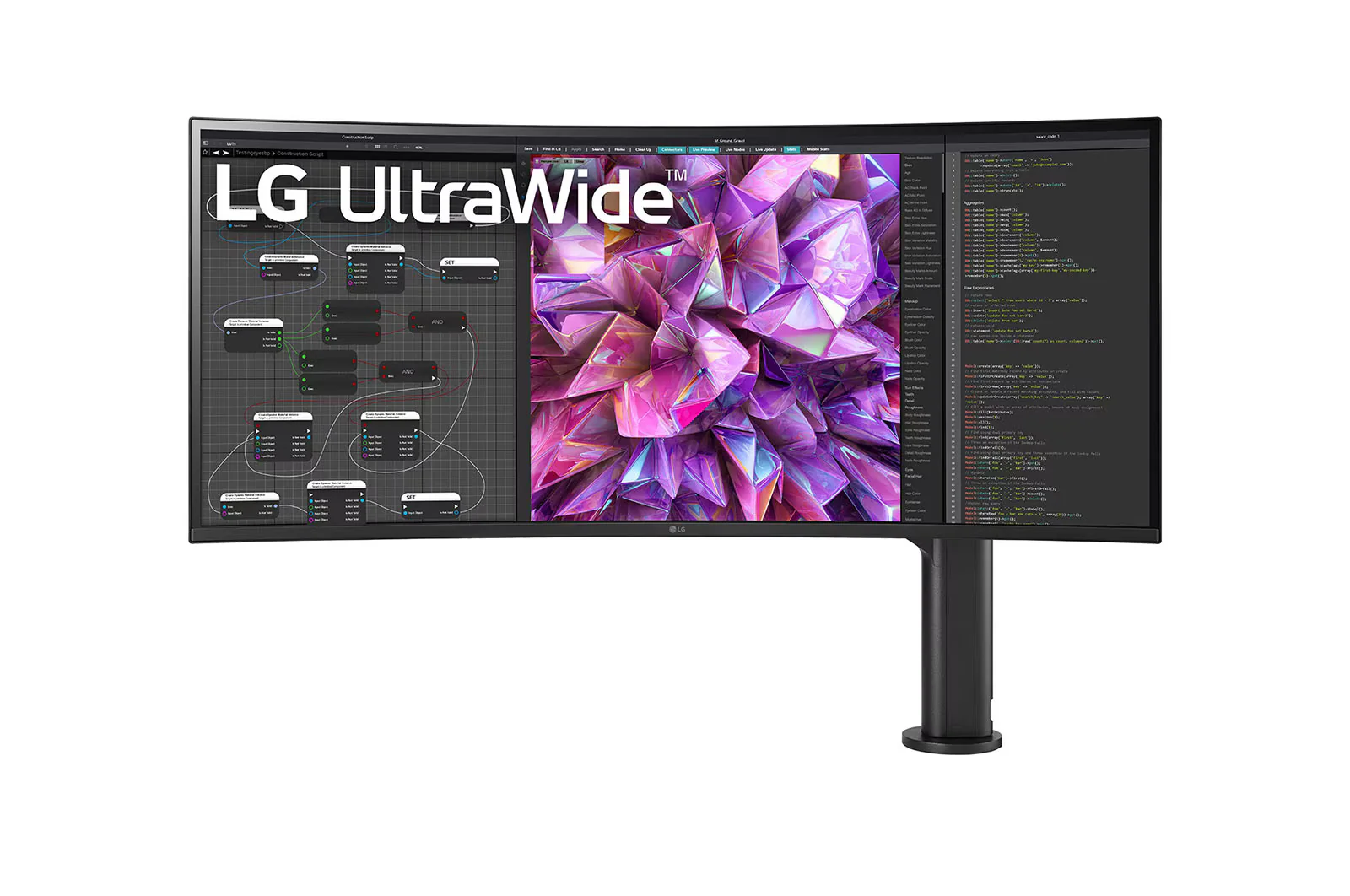
LG 38WQ88C-W 37.5'' 21:9 Curved UltraWide™ QHD+ (3840 x 1600) Monitor Ergo
HomeStore

LG 38WQ88C-W 37.5'' 21:9 Curved UltraWide™ QHD+ (3840 x 1600) Monitor Ergo

LG 38WQ88C-W 37.5'' 21:9 Curved UltraWide™ QHD+ (3840 x 1600) Monitor Ergo

$513.24

Original: $1,466.40

-65%
LG 38WQ88C-W 37.5'' 21:9 Curved UltraWide™ QHD+ (3840 x 1600) Monitor Ergo

$1,466.40

$513.24

The Story

LG 38WQ88C-W 37.5'' 21:9 Curved UltraWide™ QHD+ (3840 x 1600) Monitor Ergo

Key Features:

  • 37.5-inch Curved UltraWide™ QHD+ (3840 x 1600) IPS Display
  • DCI-P3 95% Color Gamut / HDR10
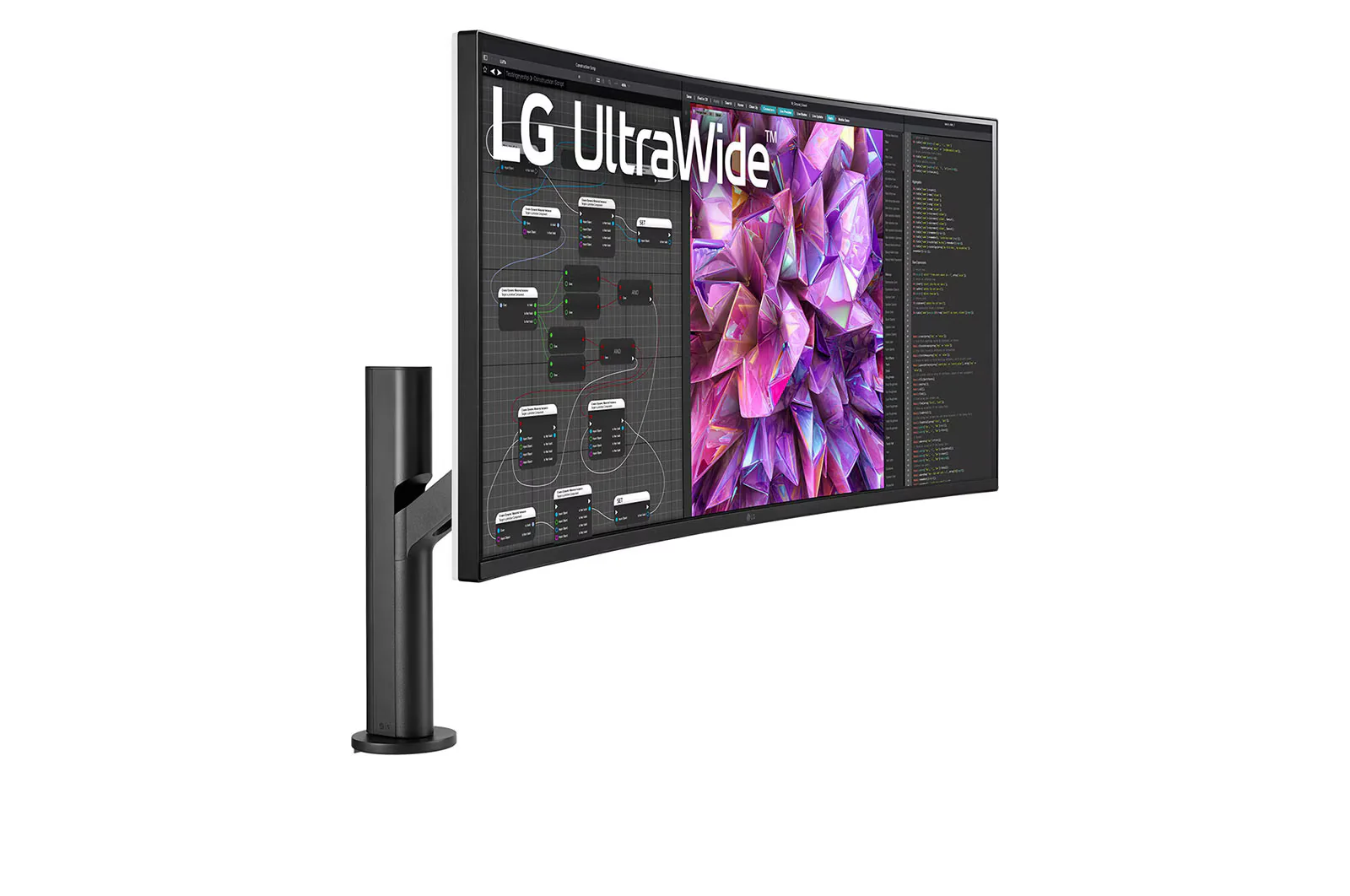
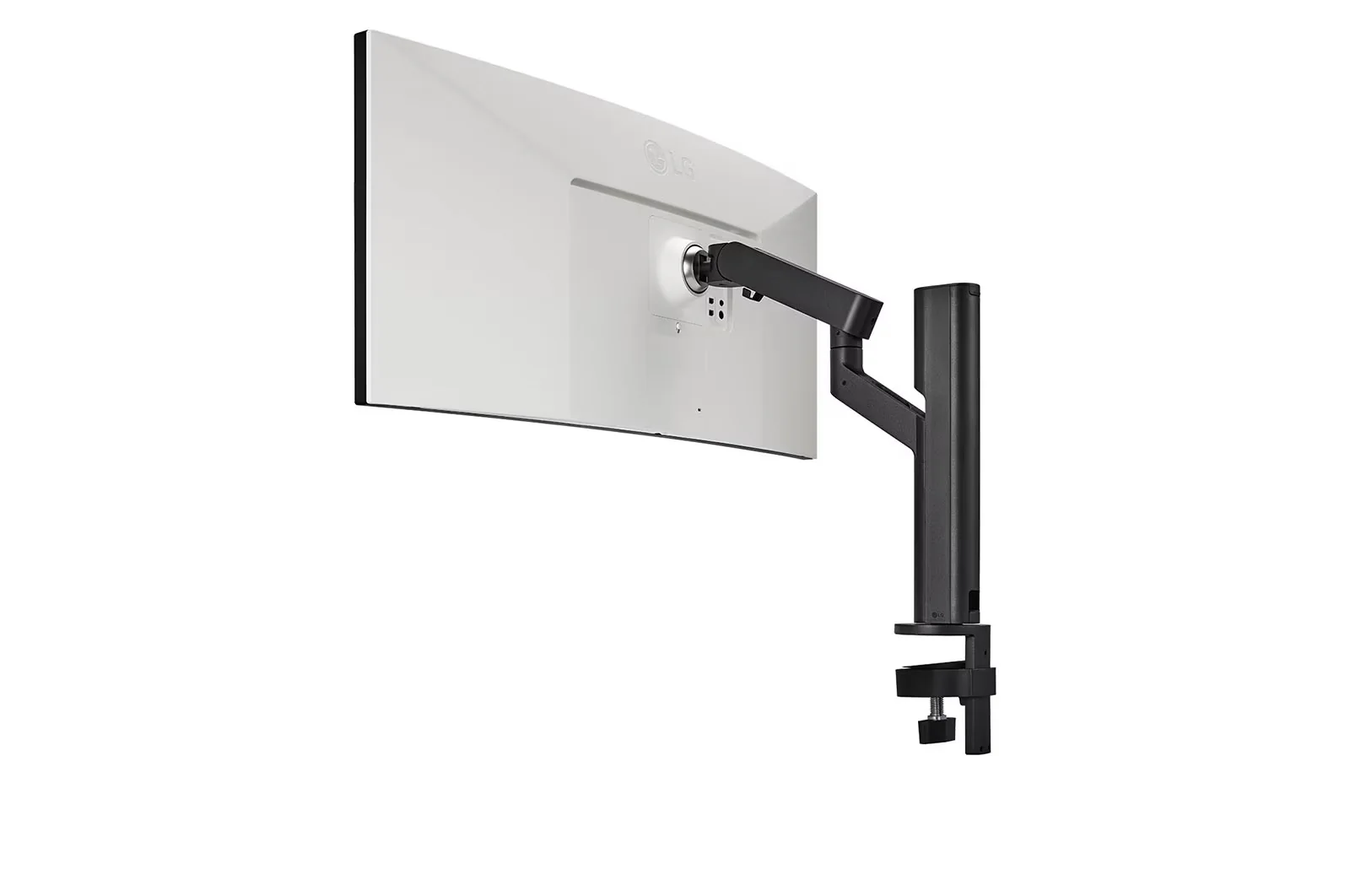
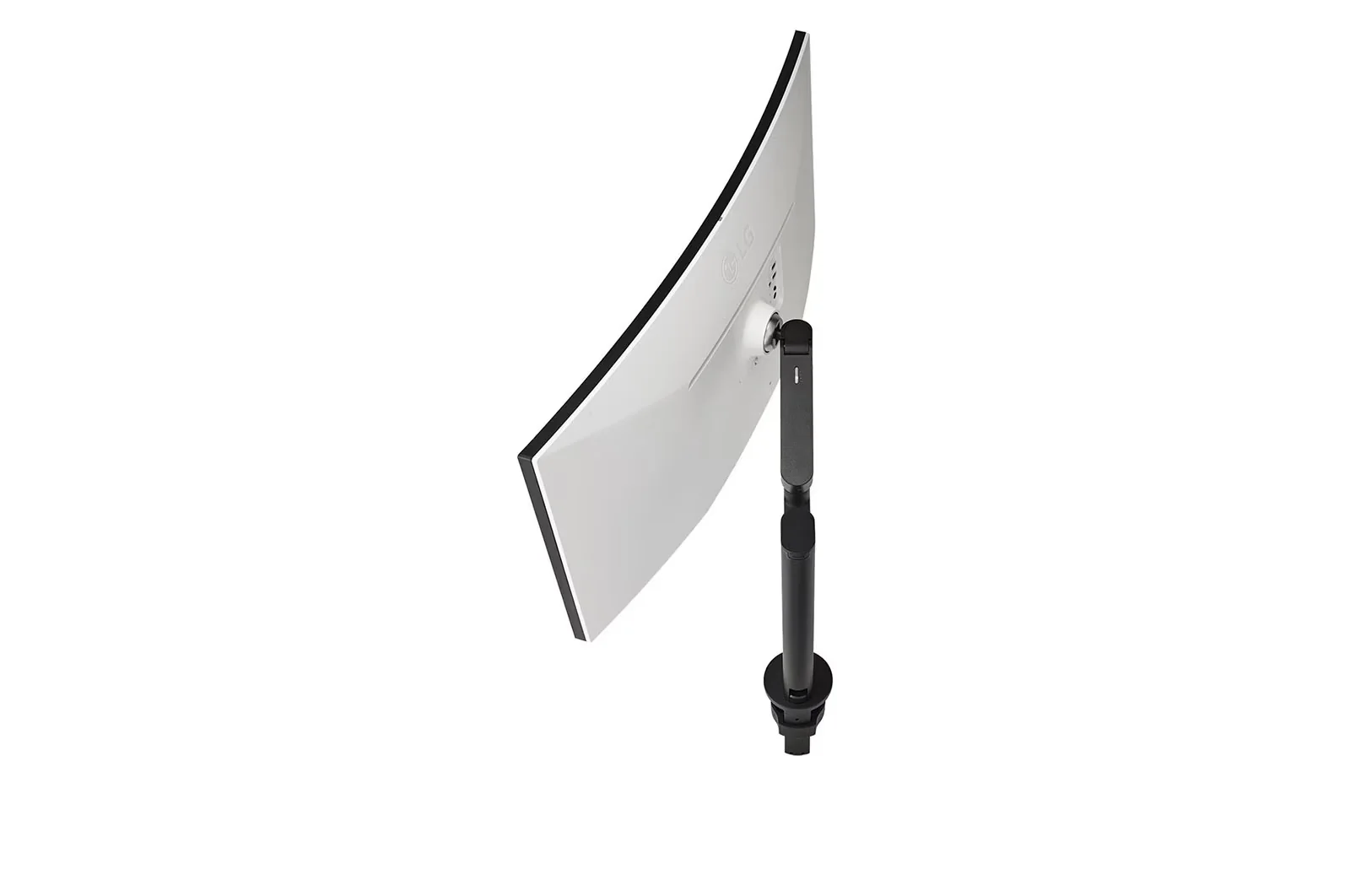
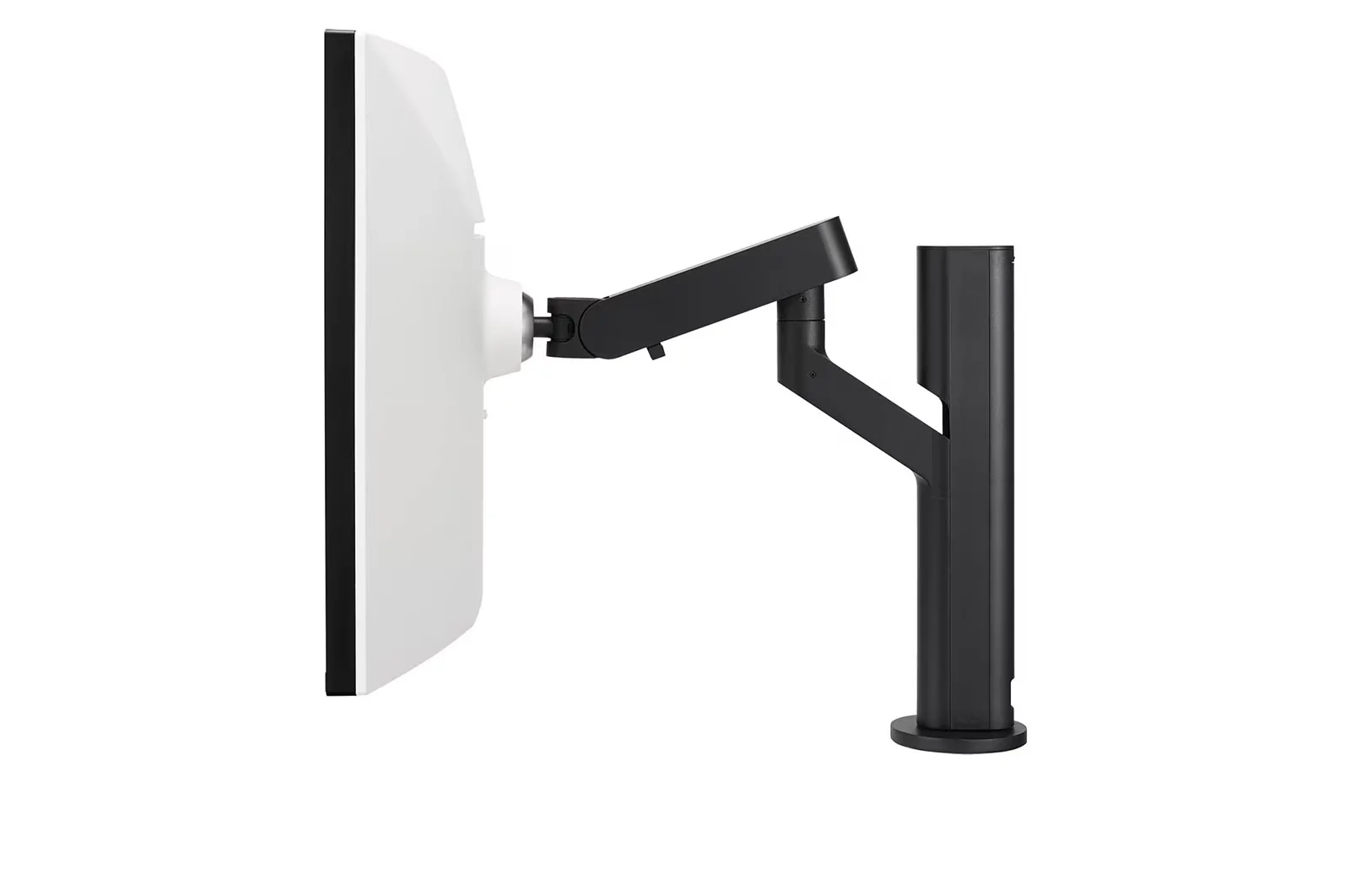
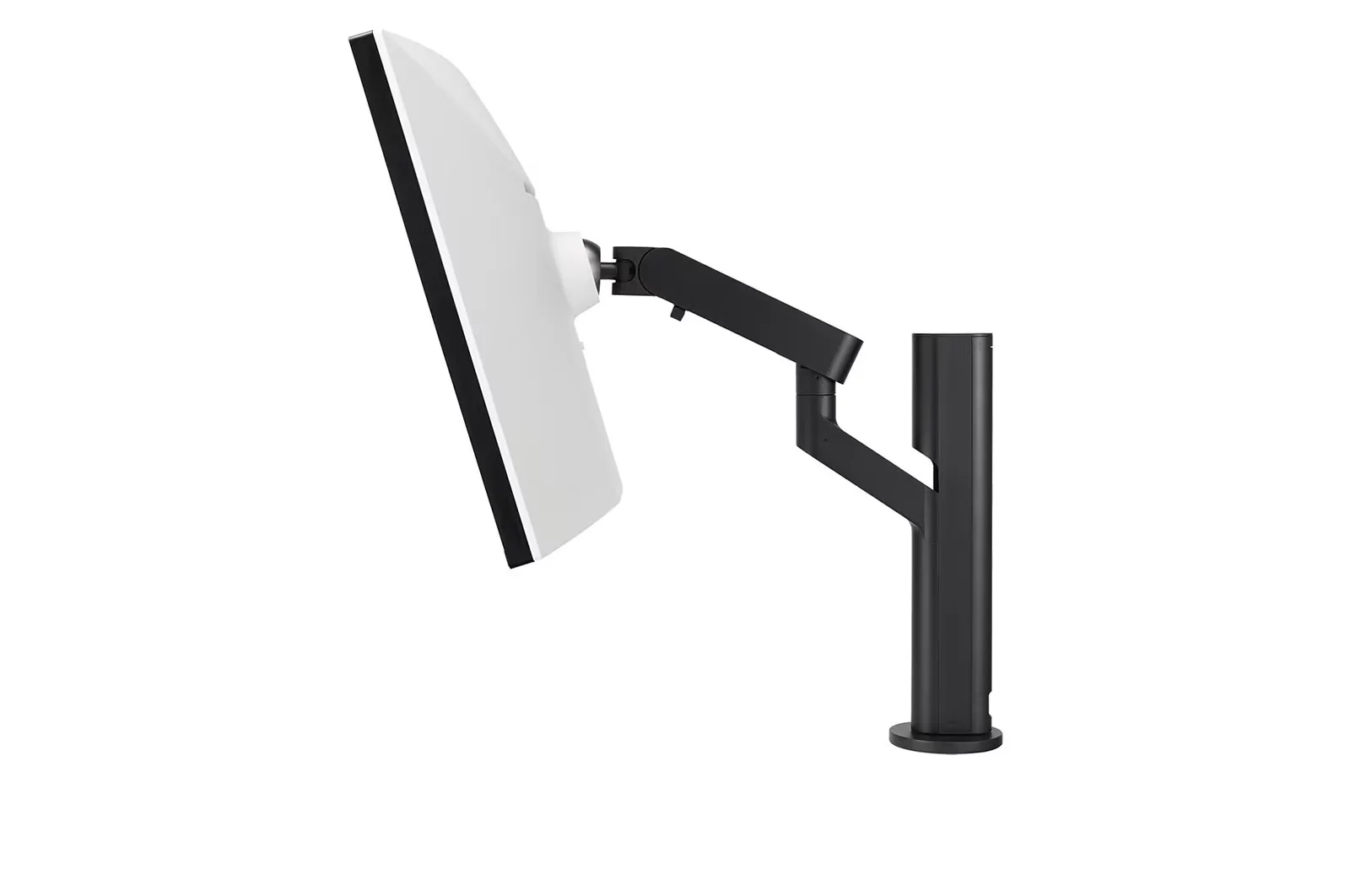
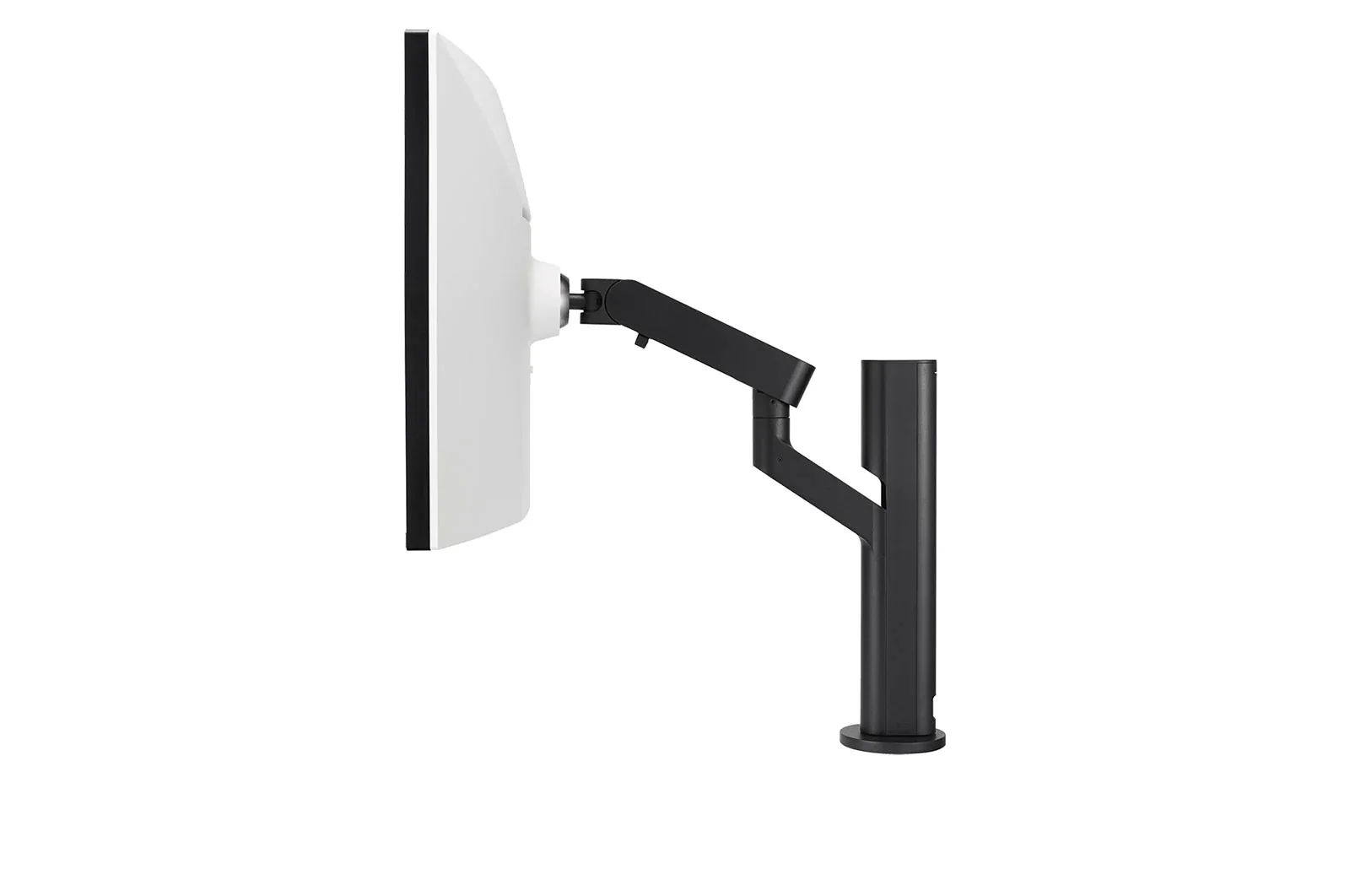
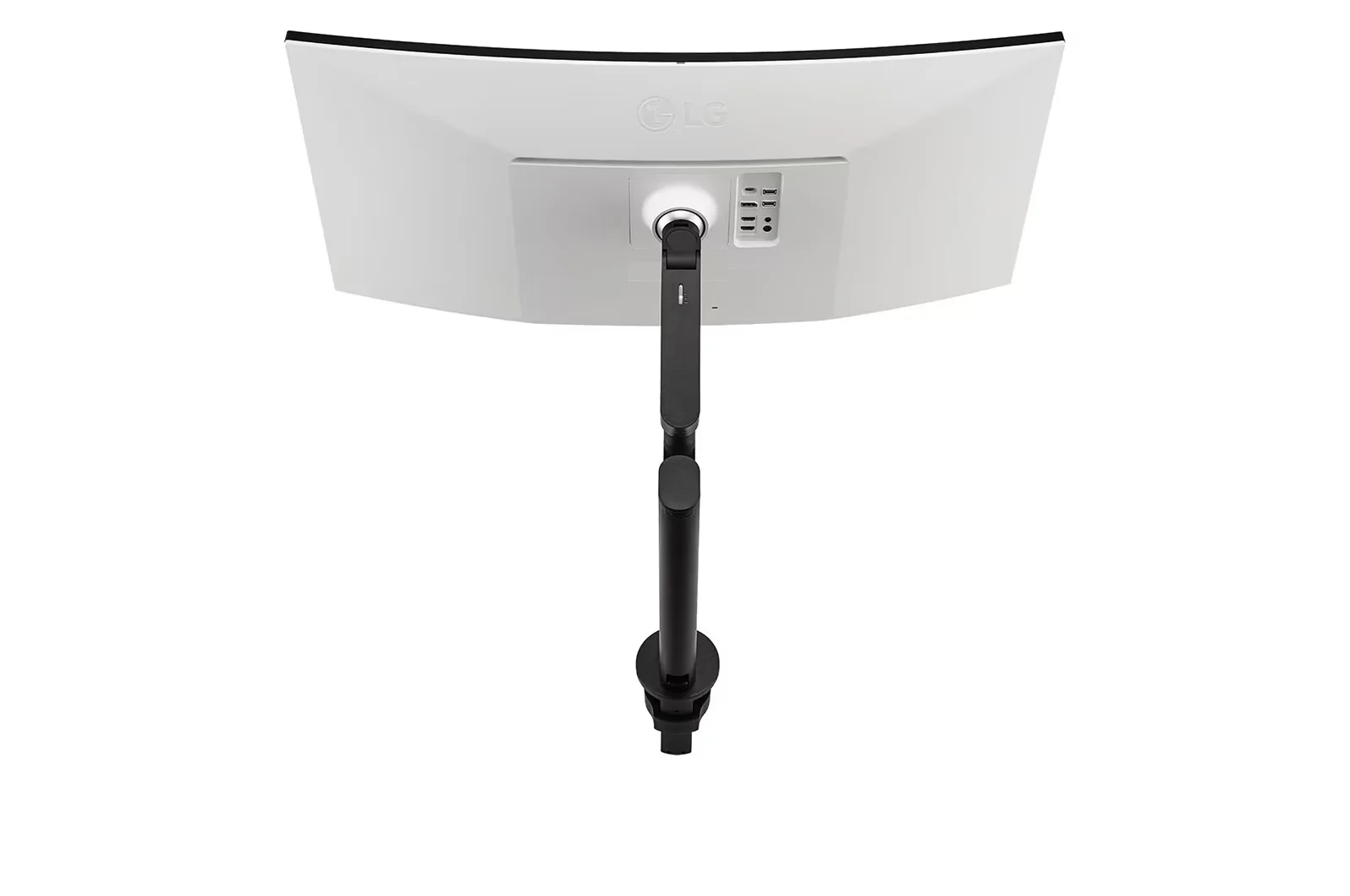
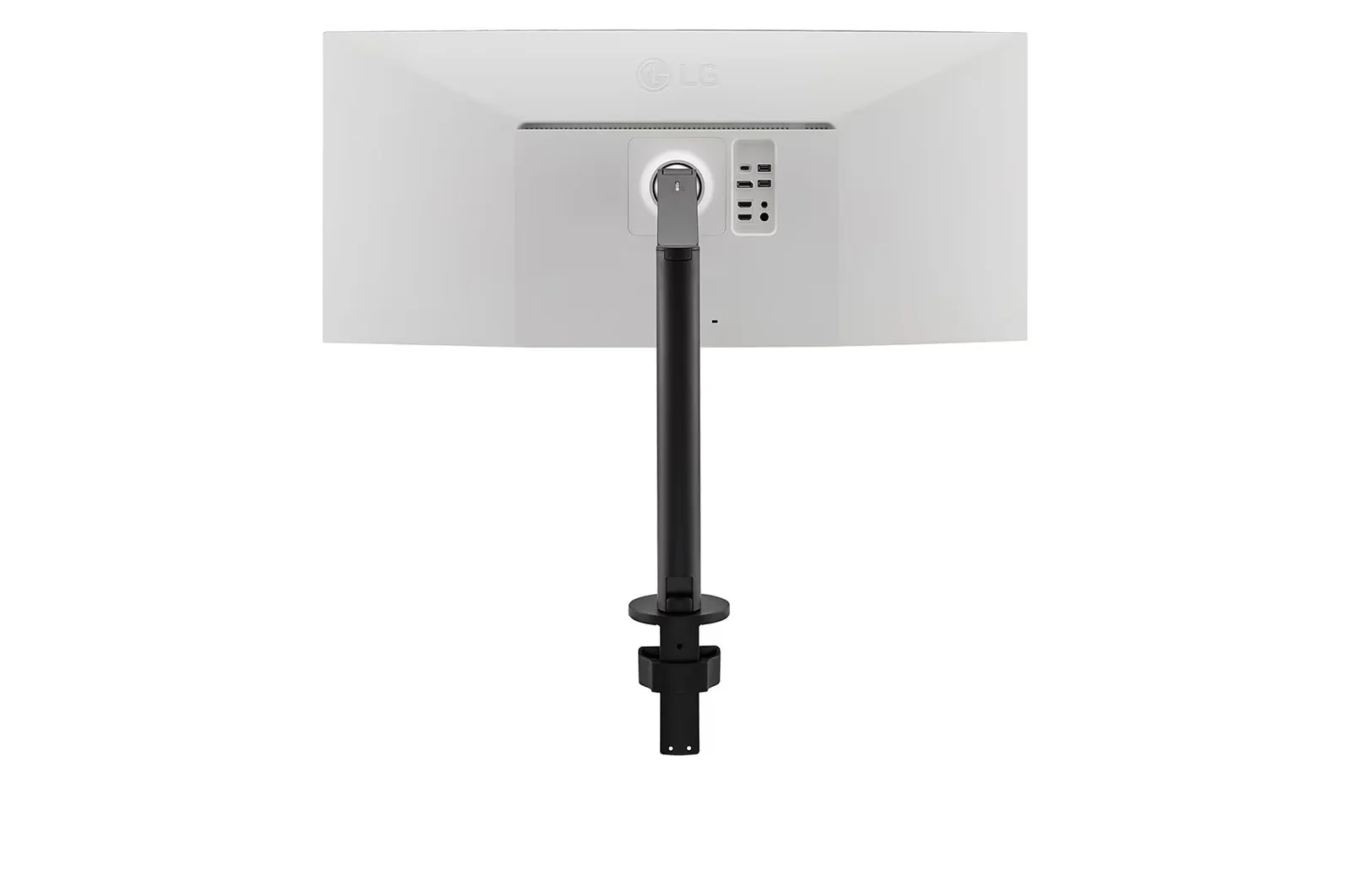
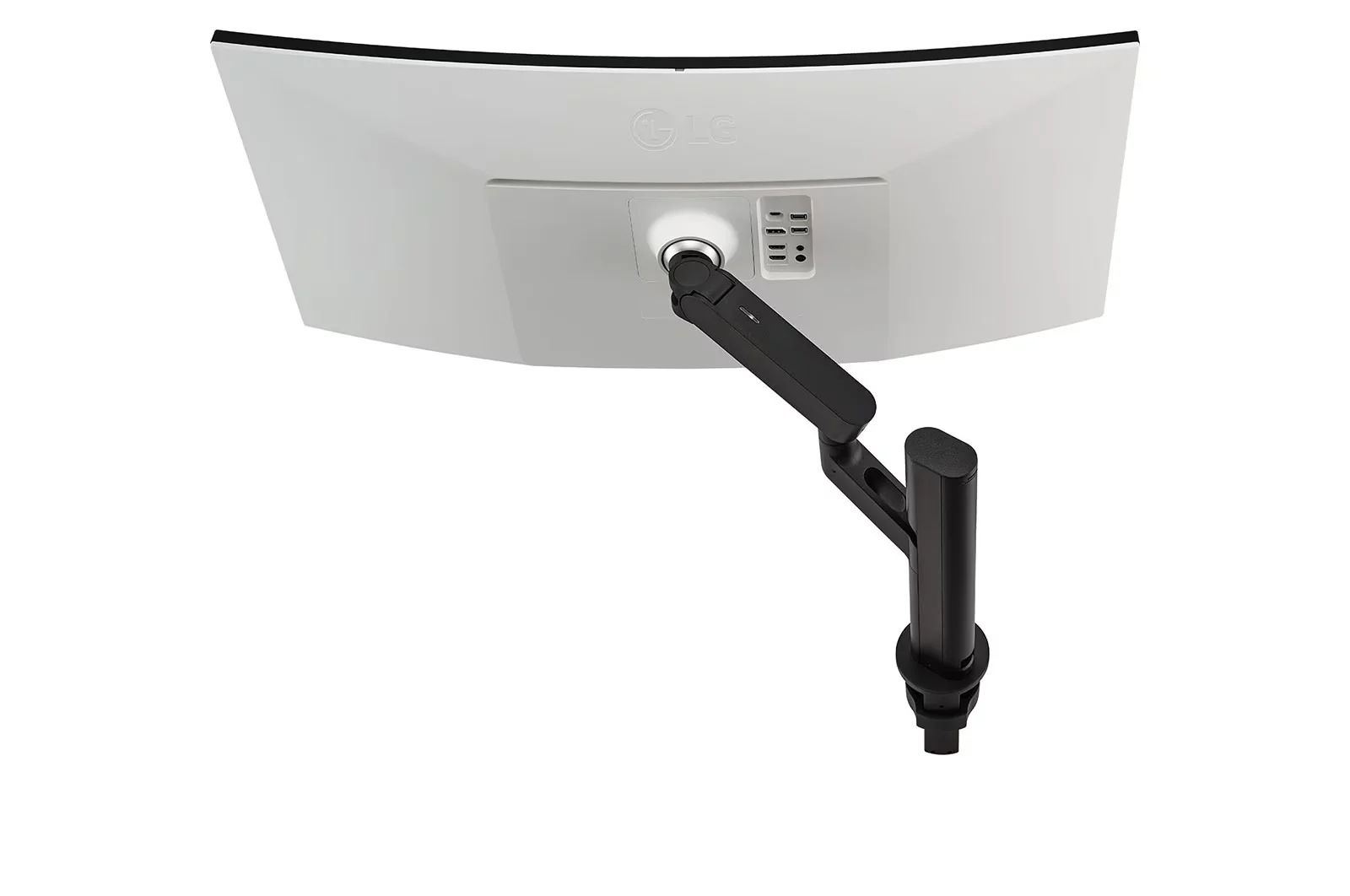
  • Ergo Stand (Extend/Retract/Swivel/Height/Tilt)
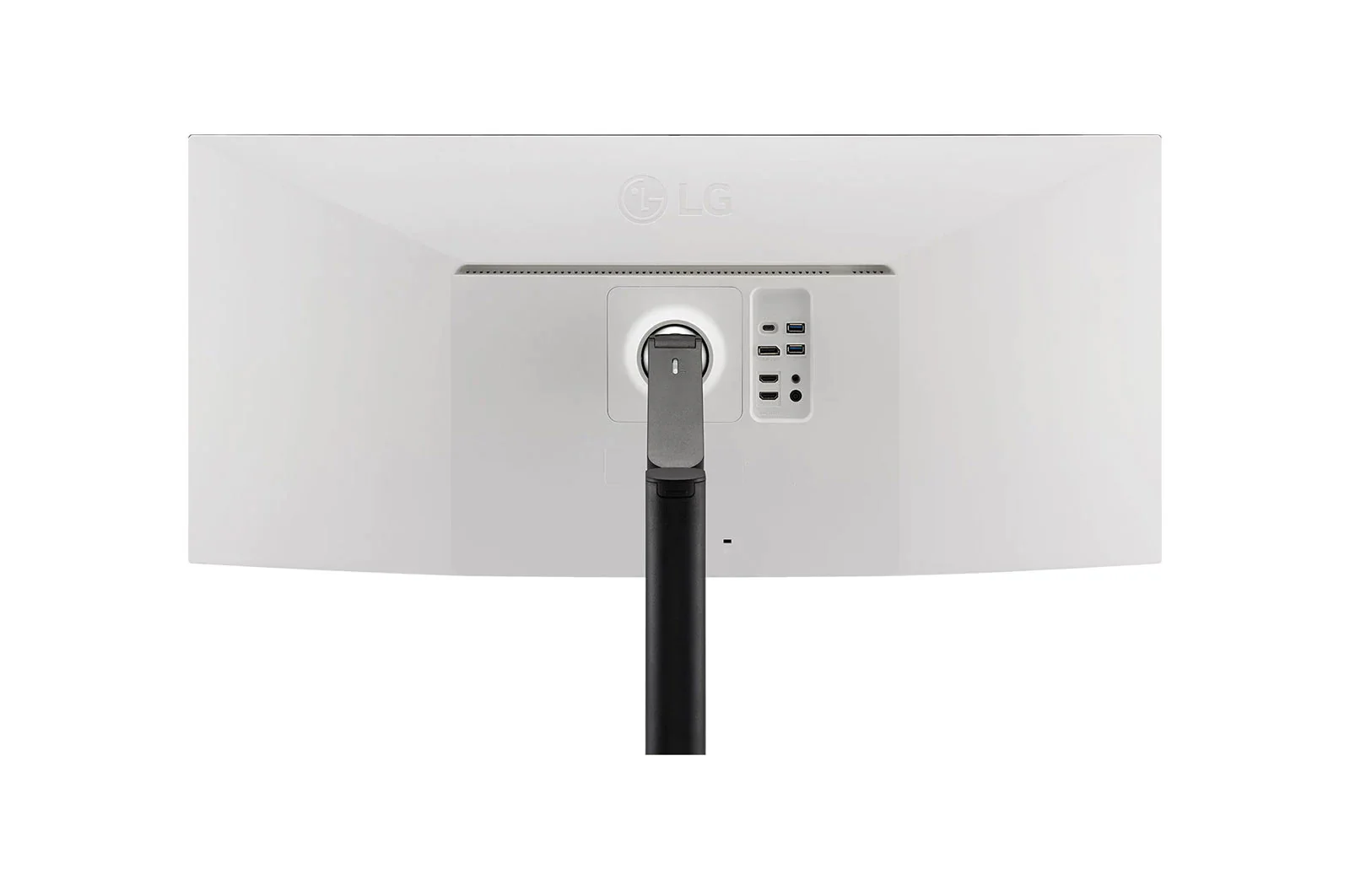
  • USB Type-C™ with 90W Power Delivery
  • AMD FreeSync™
  • 2 x 10W Stereo Speaker with Rich Bass


Various Movement of Display
Be Sleek and More Ergonomic

Enhanced flexibility of the Ergo stand* offers expanded ergonomic adjustment of extend, retract, swivel, height and tilt as well as providing suitable position of screen for more comfortable and sustainable user experience.


One Click Mount


C-Clamp & Grommet


USB Type-C™

Easy Control and Connectivity

USB Type-C™ port allows from display and data transferring to connected device charging, enabling support for your laptop all at the same time over a single cable.

90W Powerful Charge

Power Delivery Up to 90W

With USB-C™ power delivery technology, you can power up a monitor, while charging the connected laptop (Up to 90W) simultaneously.

Protect Your Eyes with Eye-care Features

  • Ambient Light Sensor

    The sensor reacts to light, making the screen brighter in bright areas and darker in the dark. It provides a comfortable working environment.
    The sensor reacts to light, making the screen brighter in bright areas and darker in the dark.

  • Reader Mode

    Reader Mode adjusts color temperature and luminance that helps to lessen eye fatigue and provide eye comfort while reading documents on a monitor.
    Reader Mode adjusts color temperature and luminance that helps to lessen eye fatigue and provide eye comfort.

  • Flicker Safe

    Flicker Safe reduces invisible flickering on the screen, which helps reduce eye strain. It provides a comfortable working environment for a long time.
    Flicker Safe reduces invisible flickering on the screen and provides a comfortable working environment for your eyes.

OnScreen Control

Control with a Few Clicks

You can customize the workspace by splitting the display or adjusting basic monitor options with just a few mouse clicks.

OnScreen Control for Gaming


LG 38WQ88C-W 37.5'' 21:9 Curved UltraWide™ QHD+ (3840 x 1600) Monitor Ergo - Image 2

Details & Craftsmanship

Every detail has been carefully considered to bring you the perfect product.

LG 38WQ88C-W 37.5'' 21:9 Curved UltraWide™ QHD+ (3840 x 1600) Monitor Ergo - Image 3

Details & Craftsmanship

Every detail has been carefully considered to bring you the perfect product.

LG 38WQ88C-W 37.5'' 21:9 Curved UltraWide™ QHD+ (3840 x 1600) Monitor Ergo - Image 4

Details & Craftsmanship

Every detail has been carefully considered to bring you the perfect product.

LG 38WQ88C-W 37.5'' 21:9 Curved UltraWide™ QHD+ (3840 x 1600) Monitor Ergo - Image 5

Details & Craftsmanship

Every detail has been carefully considered to bring you the perfect product.

LG 38WQ88C-W 37.5'' 21:9 Curved UltraWide™ QHD+ (3840 x 1600) Monitor Ergo - Image 6

Details & Craftsmanship

Every detail has been carefully considered to bring you the perfect product.

LG 38WQ88C-W 37.5'' 21:9 Curved UltraWide™ QHD+ (3840 x 1600) Monitor Ergo - Image 7

Details & Craftsmanship

Every detail has been carefully considered to bring you the perfect product.

LG 38WQ88C-W 37.5'' 21:9 Curved UltraWide™ QHD+ (3840 x 1600) Monitor Ergo - Image 8

Details & Craftsmanship

Every detail has been carefully considered to bring you the perfect product.

LG 38WQ88C-W 37.5'' 21:9 Curved UltraWide™ QHD+ (3840 x 1600) Monitor Ergo - Image 9

Details & Craftsmanship

Every detail has been carefully considered to bring you the perfect product.

LG 38WQ88C-W 37.5'' 21:9 Curved UltraWide™ QHD+ (3840 x 1600) Monitor Ergo - Image 10

Details & Craftsmanship

Every detail has been carefully considered to bring you the perfect product.

LG 38WQ88C-W 37.5'' 21:9 Curved UltraWide™ QHD+ (3840 x 1600) Monitor Ergo - Image 11

Details & Craftsmanship

Every detail has been carefully considered to bring you the perfect product.

LG 38WQ88C-W 37.5'' 21:9 Curved UltraWide™ QHD+ (3840 x 1600) Monitor Ergo - Image 12

Details & Craftsmanship

Every detail has been carefully considered to bring you the perfect product.

Description

LG 38WQ88C-W 37.5'' 21:9 Curved UltraWide™ QHD+ (3840 x 1600) Monitor Ergo

Key Features:

  • 37.5-inch Curved UltraWide™ QHD+ (3840 x 1600) IPS Display
  • DCI-P3 95% Color Gamut / HDR10
  • Ergo Stand (Extend/Retract/Swivel/Height/Tilt)
  • USB Type-C™ with 90W Power Delivery
  • AMD FreeSync™
  • 2 x 10W Stereo Speaker with Rich Bass


Various Movement of Display
Be Sleek and More Ergonomic

Enhanced flexibility of the Ergo stand* offers expanded ergonomic adjustment of extend, retract, swivel, height and tilt as well as providing suitable position of screen for more comfortable and sustainable user experience.


One Click Mount


C-Clamp & Grommet


USB Type-C™

Easy Control and Connectivity

USB Type-C™ port allows from display and data transferring to connected device charging, enabling support for your laptop all at the same time over a single cable.

90W Powerful Charge

Power Delivery Up to 90W

With USB-C™ power delivery technology, you can power up a monitor, while charging the connected laptop (Up to 90W) simultaneously.

Protect Your Eyes with Eye-care Features

  • Ambient Light Sensor

    The sensor reacts to light, making the screen brighter in bright areas and darker in the dark. It provides a comfortable working environment.
    The sensor reacts to light, making the screen brighter in bright areas and darker in the dark.

  • Reader Mode

    Reader Mode adjusts color temperature and luminance that helps to lessen eye fatigue and provide eye comfort while reading documents on a monitor.
    Reader Mode adjusts color temperature and luminance that helps to lessen eye fatigue and provide eye comfort.

  • Flicker Safe

    Flicker Safe reduces invisible flickering on the screen, which helps reduce eye strain. It provides a comfortable working environment for a long time.
    Flicker Safe reduces invisible flickering on the screen and provides a comfortable working environment for your eyes.

OnScreen Control

Control with a Few Clicks
You can customize the workspace by splitting the display or adjusting basic monitor options with just a few mouse clicks.

OnScreen Control for Gaming